iPhone and iPad app · beta
Floppy for iPhone.
Share any file as a link from your phone.
Floppy for iPhone is a free app that turns any photo, screenshot or file on your iPhone or iPad into a short link, like fpy.sh/k3x9, and tells you who opened it. It also opens your Floppy files, and frees up space on your iPhone.
Floppy for iPhone is in a free public beta through Apple's TestFlight app, open to the first 10,000 testers. It is not on the App Store yet.
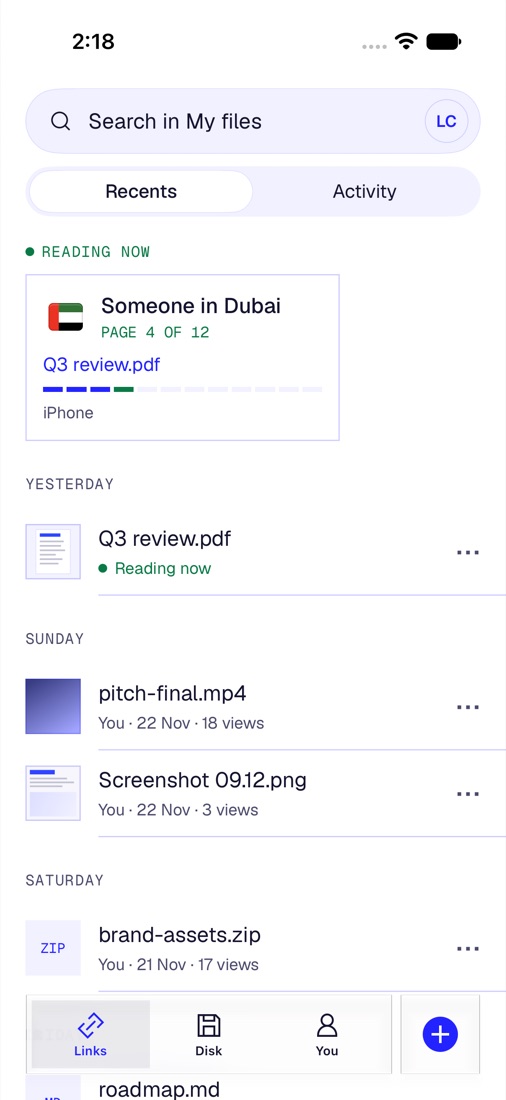
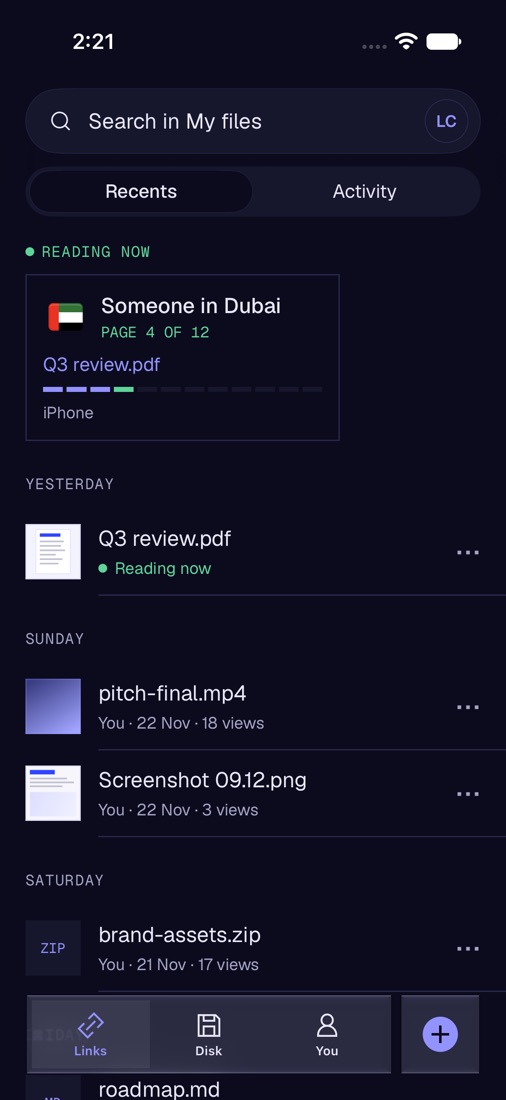
Share from any app. The link is copied at once.
Tap Share in Photos, Files, Mail or any app and pick Floppy. The link is on your clipboard before the upload finishes, so you can paste it straight away.
- Close it and keep going. Tap Done and the upload carries on, with its progress on the Lock Screen and in the Dynamic Island.
- Or start in the app. The + button takes a recent screenshot, photos and videos, a file, the camera or what you copied.
- No app needed to open it. The people you send it to open the link in any browser, with no account.
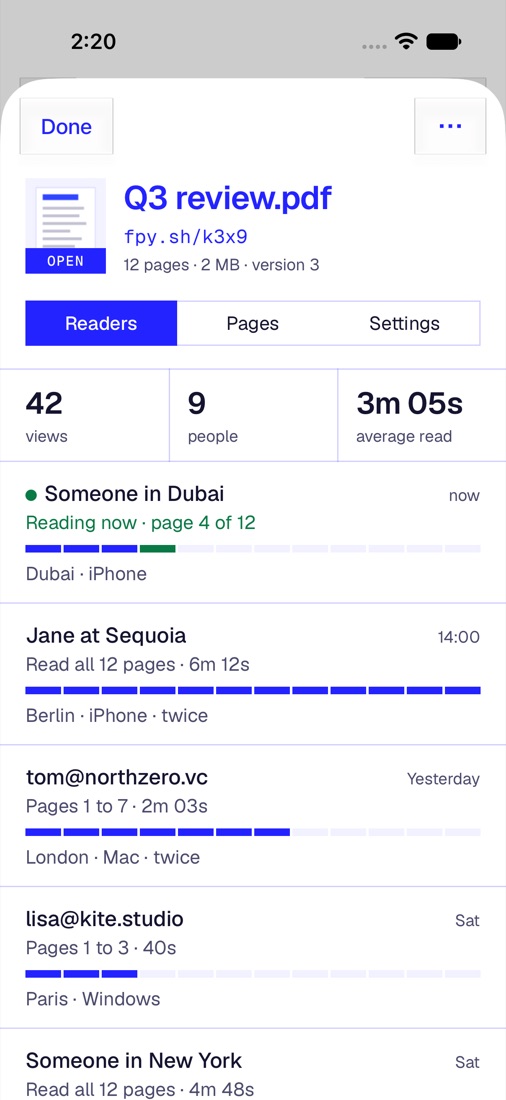
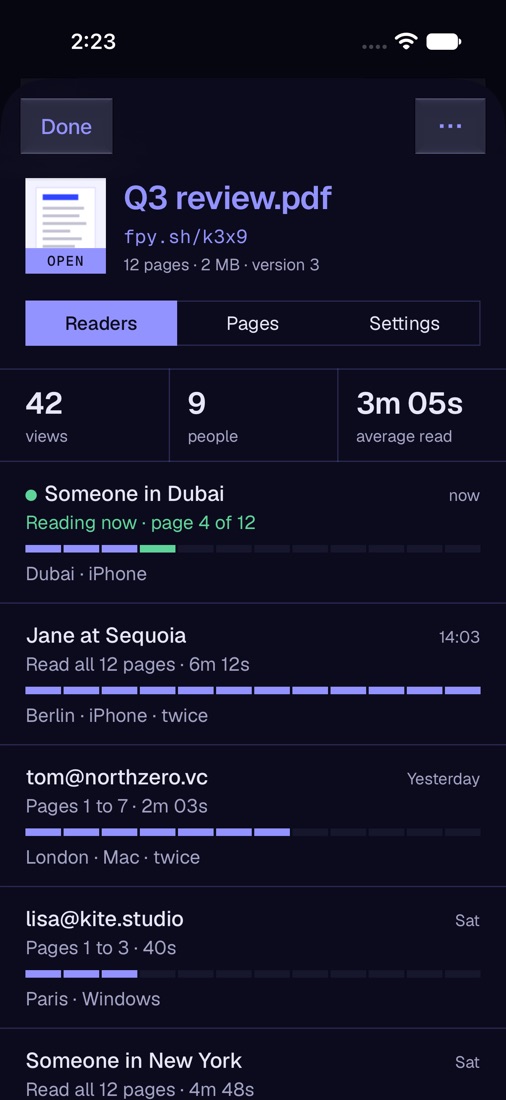
See who opened your link, and how far they read.
Recents lists your links by day. Activity is the feed of who opened, read to the end or downloaded, with where and on what device.
- Notifications. When someone opens, reads to the end or downloads your file, for team news, and when someone sends you a link. Each has its own switch.
- Shared with you. Links people sent you through Floppy, in Slack or by email, have a tab of their own, unread first, and show in Recents on the day they arrived.
Open every Floppy file on your phone.
The Disk tab lists your spaces, your own files and each team's, with their folders and files.
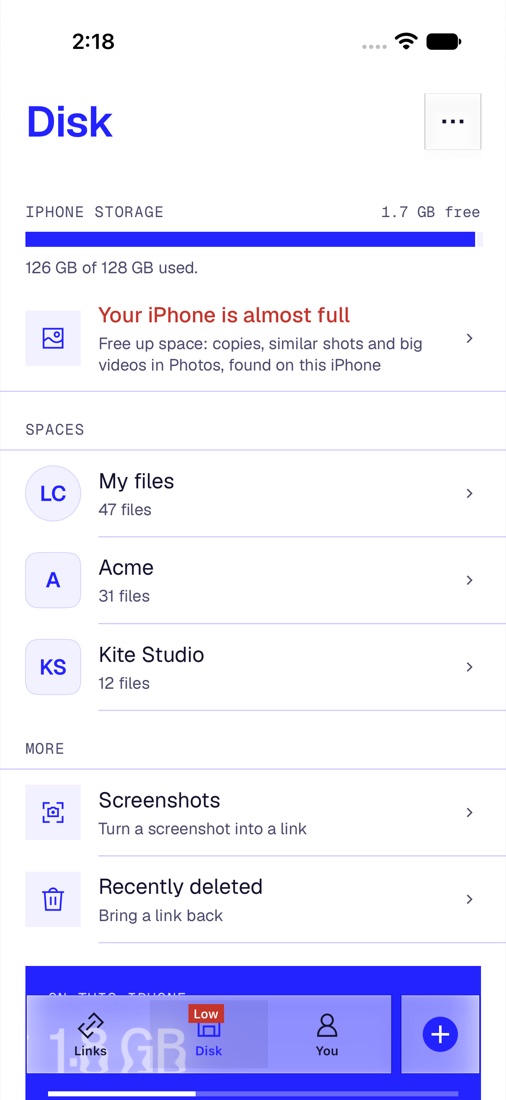
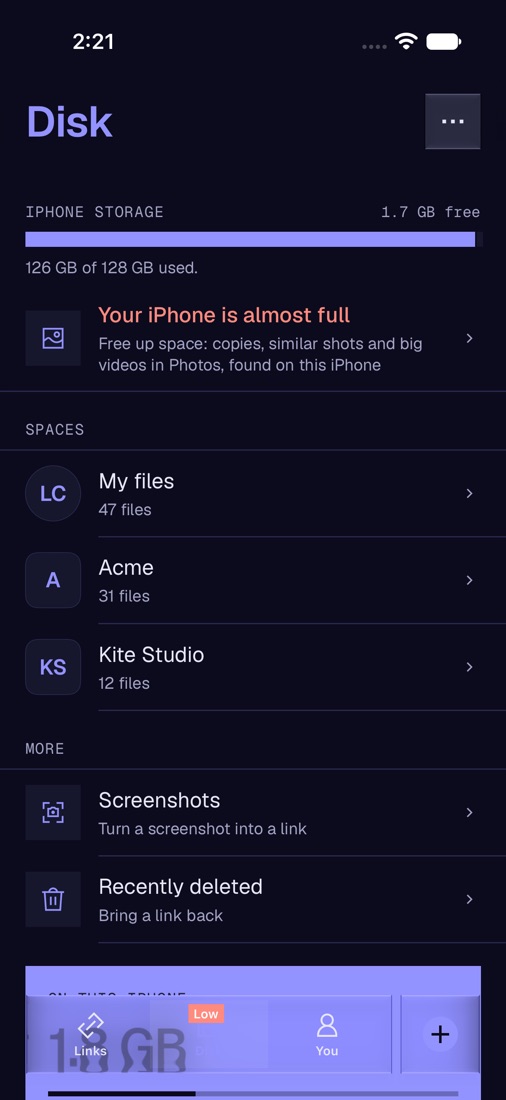
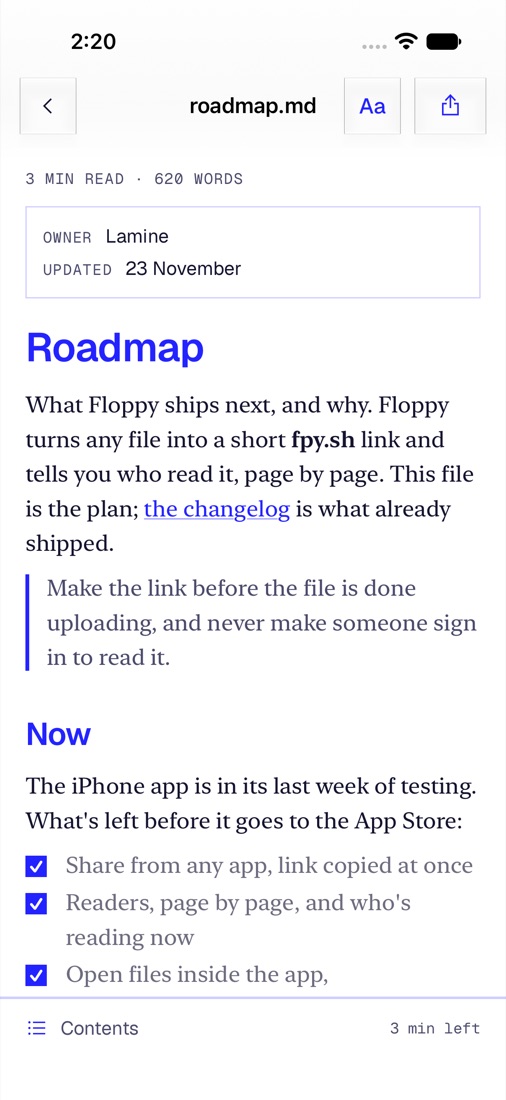
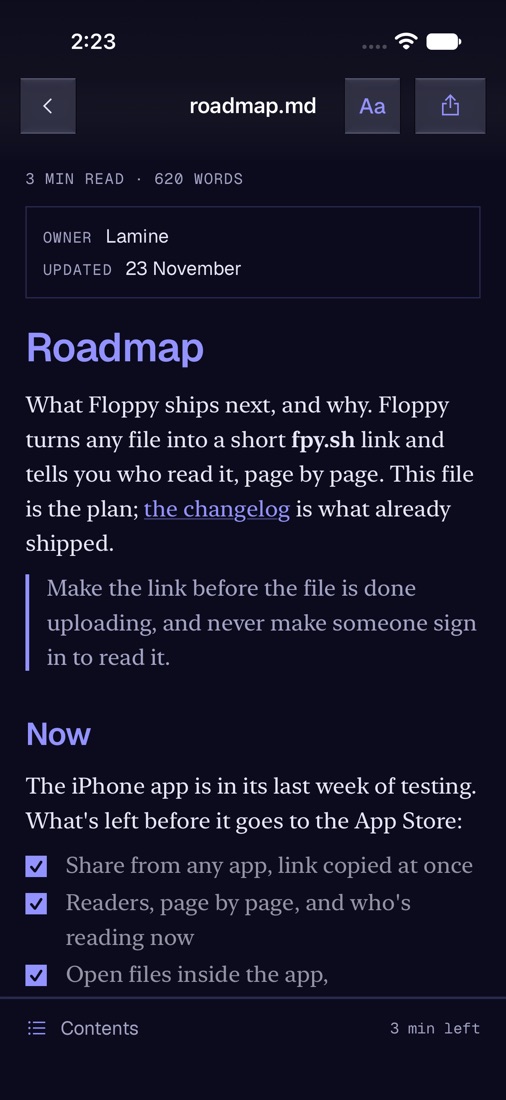
- PDFs, pictures and video. They open in the app, without going to a browser.
- Zips open like folders. Tap into a folder, open one file, or save them all to Files.
Get space back on your iPhone without losing a photo.
Disk › iPhone storage looks at the photos and videos on your iPhone and shows how much you can get back. Nothing leaves your iPhone unless you keep it on Floppy.
- More to look at. Exact copies, bursts, blurry and dark shots, screenshots and photos saved from chats.
- Large videos. Keep them on Floppy at full quality, then free the space on the phone.
- iOS asks first. Deleted photos go to Recently Deleted, as they would from Photos.
Know what's happening without opening the app.
- Live Activities. An upload, or someone reading your file right now, on the Lock Screen and in the Dynamic Island.
- Home Screen widgets. Today's opens, your recent files, your last link to copy, and how full the iPhone is.
- Lock Screen widgets. Opens today, and who is reading what.
- New link from Control Center. Or from the Lock Screen or the Action button.
How to install Floppy for iPhone.
- 01Install TestFlight from the App Store on your iPhone or iPad.
- 02On that iPhone or iPad, open the beta link: testflight.apple.com/join/FEvP671D.
- 03Tap Accept, then Install.
- 04Open Floppy and sign in with Google. If you have no Floppy account, this creates a free one.
Questions about Floppy for iPhone.
Is Floppy for iPhone on the App Store?
Is Floppy for iPhone free?
Which iPhones and iPads does Floppy for iPhone run on?
Can I use the Floppy account I already have?
Why did a notification arrive late?
What happens when the beta is full?
Also: Floppy for Mac · Share files from iPhone as a link · Changelog
Share from your phone.
Free beta on TestFlight · iOS 18 or later · iPhone and iPad